

1.0 Enable Item Alternatives
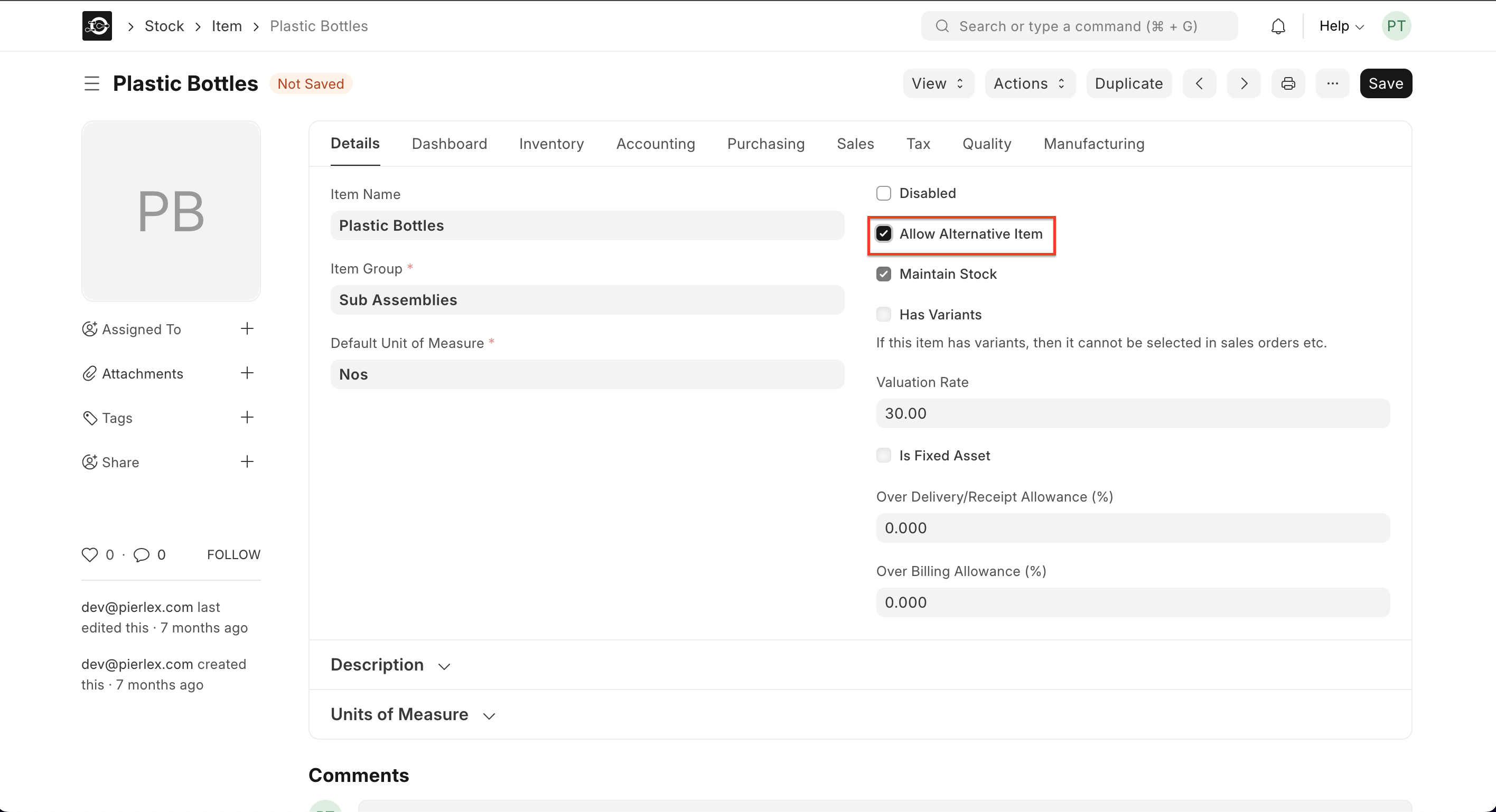
- Activate on Item
- Open
Stock > Item List, select your raw material, and tick Allow Alternative Item.
- Open
- Access Alternatives
- Go to
Stock > Item Alternativeor click + Item Alternative on the Item form.
- Go to
Prerequisites
- The original Item and its Alternative Item must both exist in the system.
- Allow Alternative Item enabled on each Item record.
2.0 Using Alternatives in a BOM
- Edit BOM
- In
Manufacturing > Bill of Materials, open your BOM and tick Allow Alternative Item.
- In
- Select Alternate
- During Stock Entry for production, click Alternate Item and choose the substitute material.
3.0 Using Alternatives in a Work Order
- Open Work Order
- In
Manufacturing > Work Order, tick Allow Alternative Item at the top.
- In
- Assign Substitute
- Click the Alternate Item button beside a component line to pick its alternative before issuing materials.
4.0 Using Alternatives for Subcontracting
When sending raw materials to a subcontractor:- Create Stock Entry
- Under
Stock > Stock Entry, choose Subcontract and tick Allow Alternative Item.
- Under
- Transfer Alternate
- Select the alternative raw material if the primary one is unavailable.
- Receive Finished Goods
- On Purchase Receipt against the Work Order, the system will automatically show the finished item produced using the alternative.