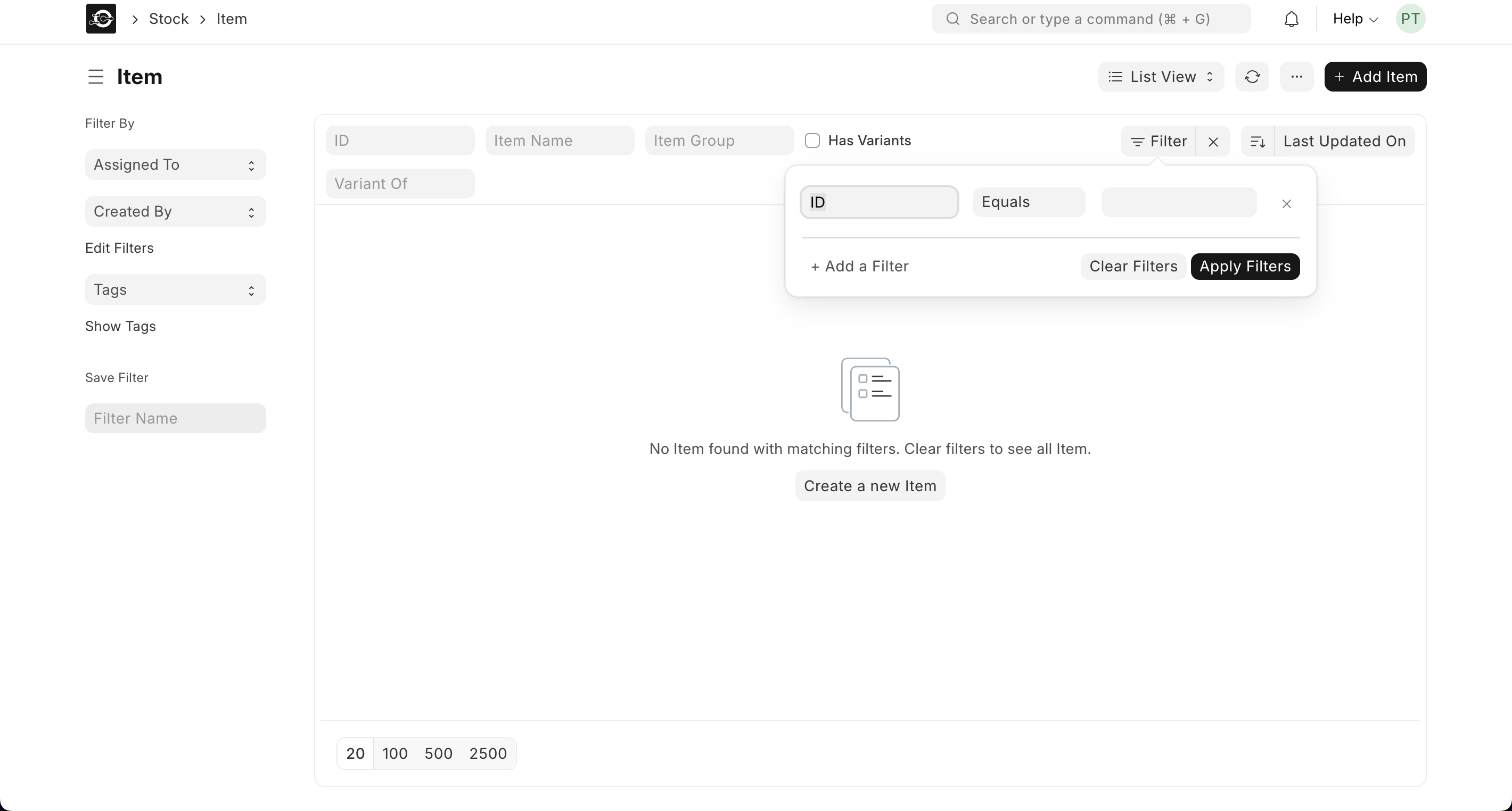
From the home page, go to Stock ▶️ Item ▶️ Item List.
1. Steps to View an Item Profile
- Apply List-View Filters
- On the Item List page, click Filters ▶️ Add Filter.
- Choose a field (e.g., Item Group, Has Variants, Disabled) and set its value.
- Click Apply to narrow down the list to matching items.
- On the Item List page, click Filters ▶️ Add Filter.
- Quick Column Search
- Type directly into the Item Name or Item Code column filter above the list.
- The list updates instantly as you type, showing only matching rows.
- Combine Multiple Filters
- Add additional filters (e.g., Default UOM = Litre, Standard Selling Rate > 10).
- Click Apply after each to refine your search further.